Turn every listing into
ready-to-post marketing
content.
Paste a listing URL or upload property photos. Create reels, social visuals and listing copy in minutes — with staging and redesign tools when you need them.

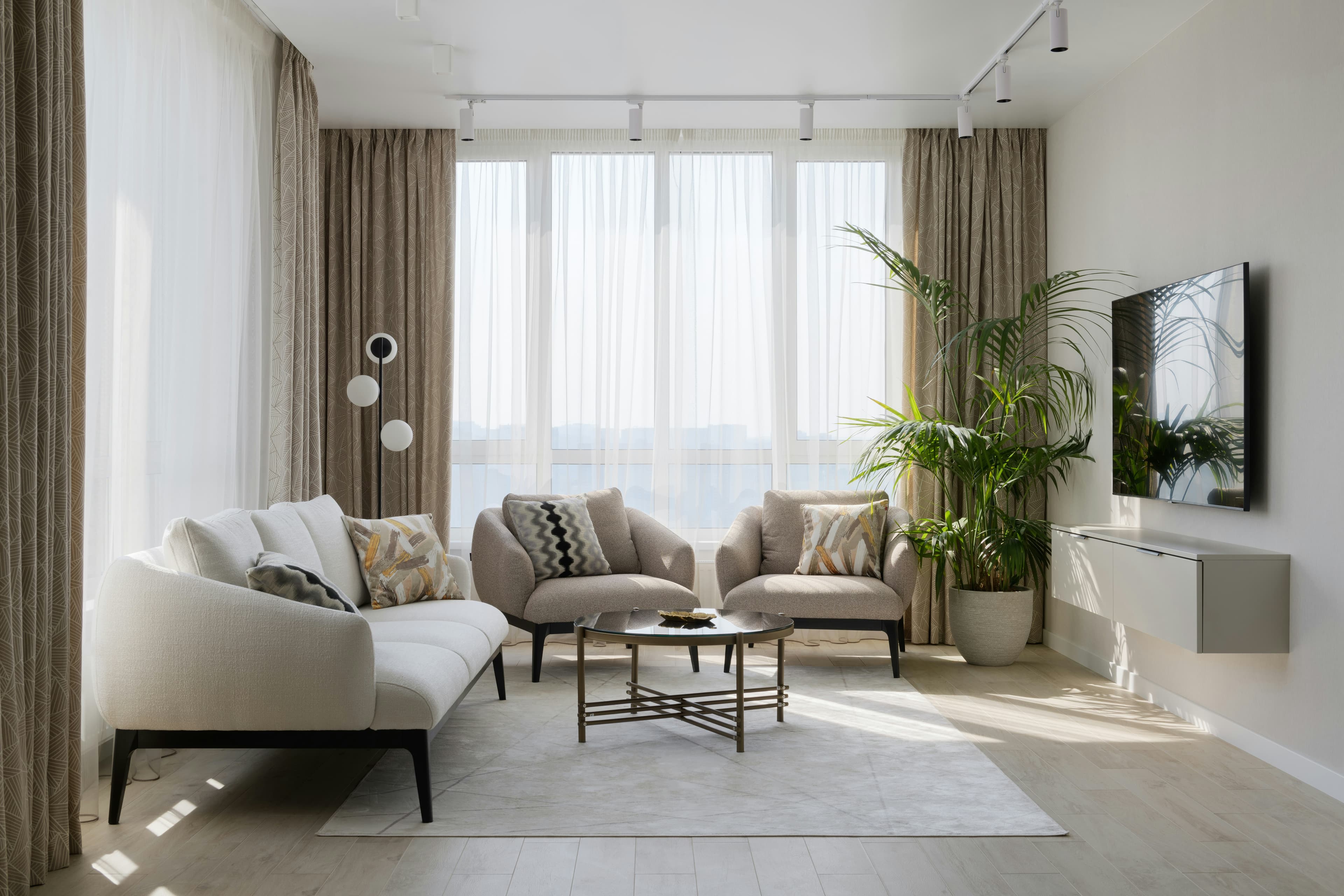
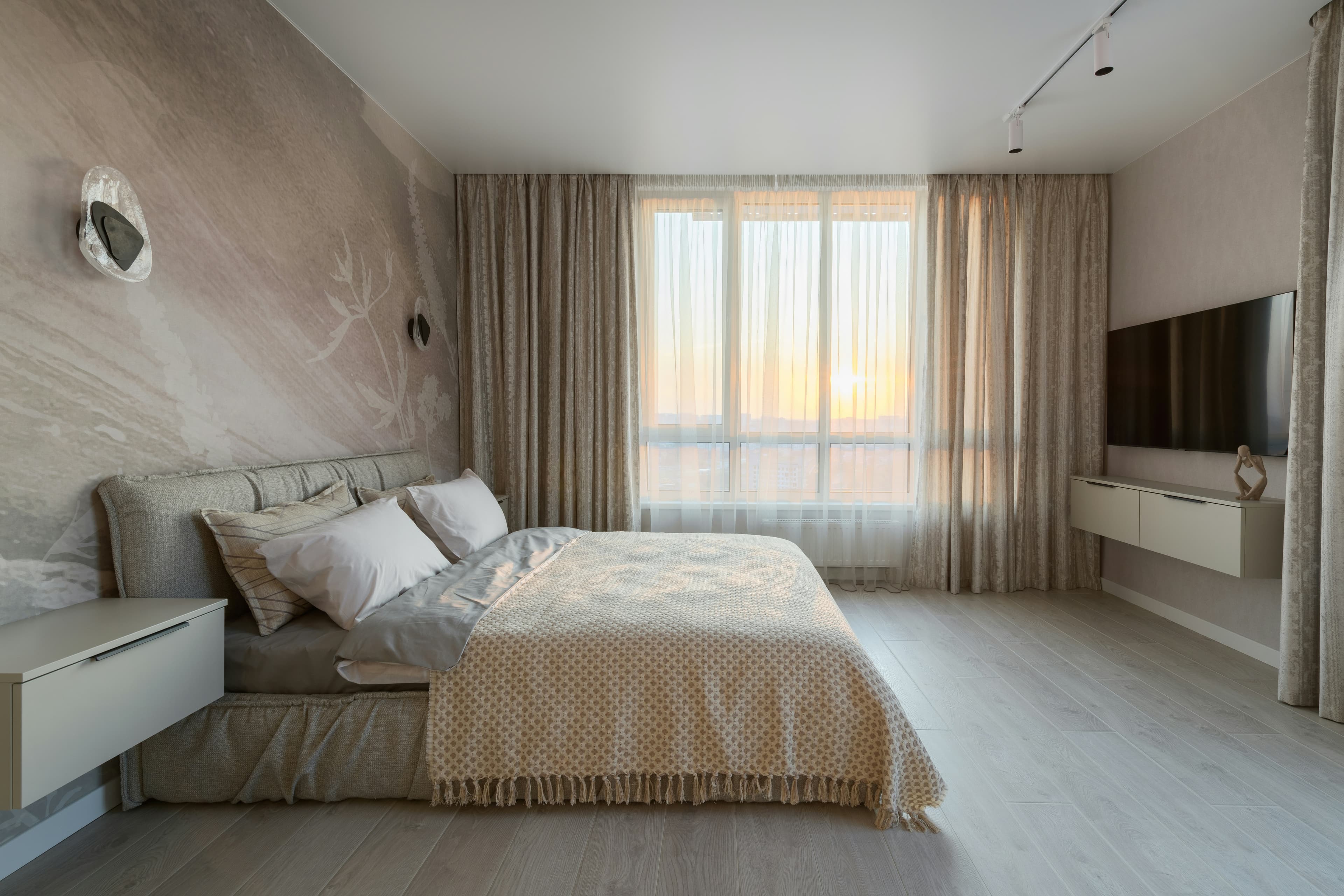
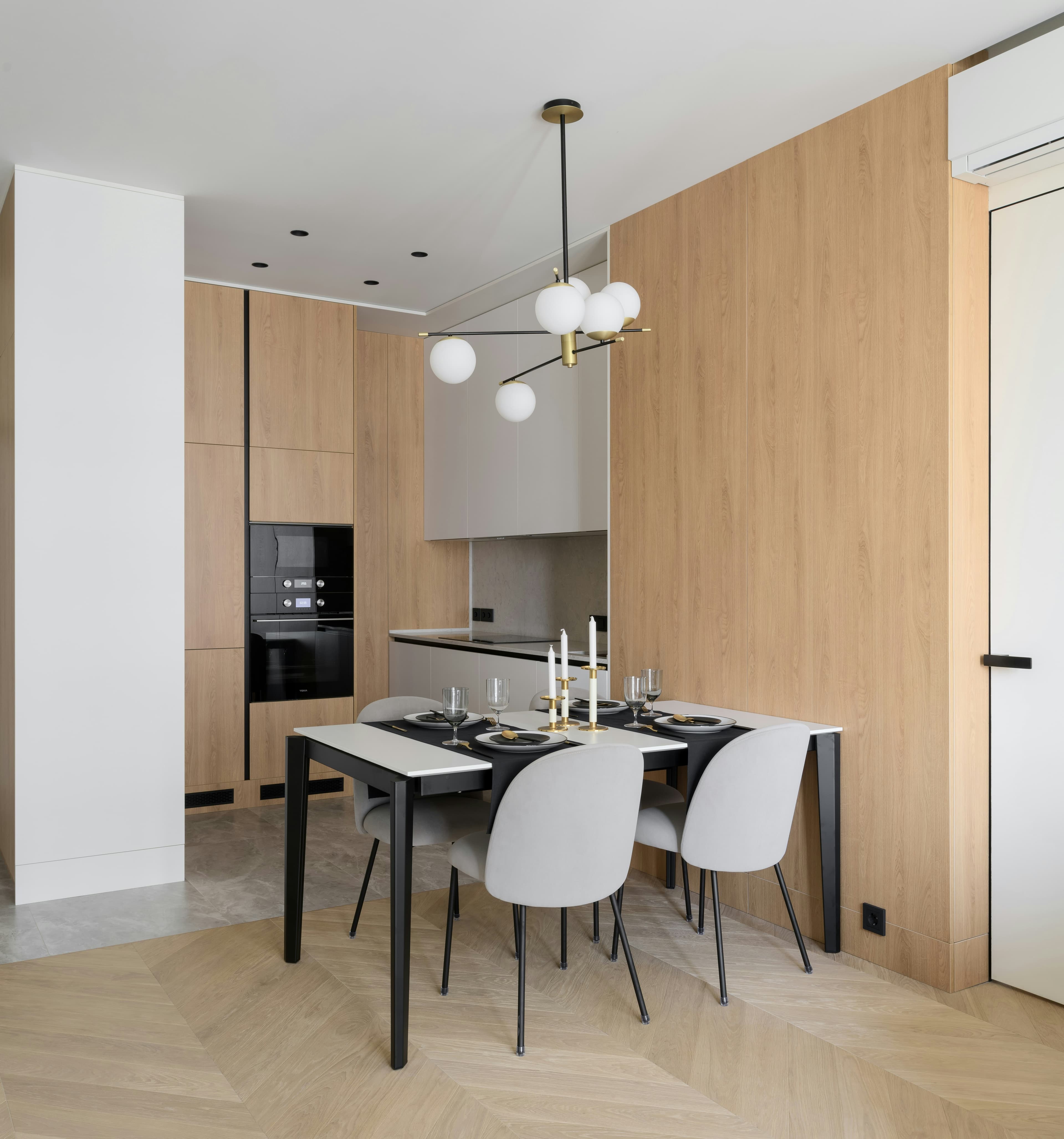
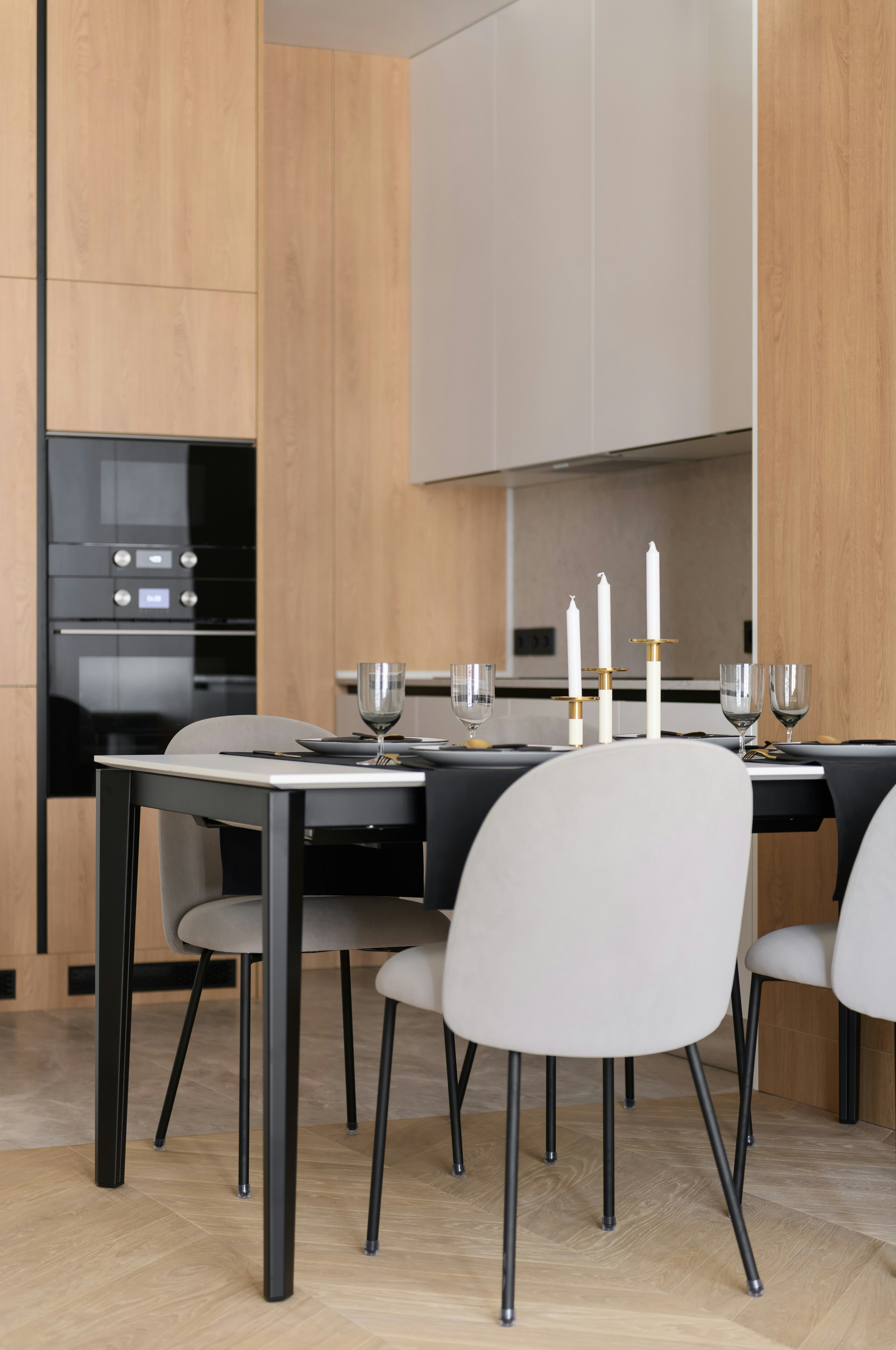
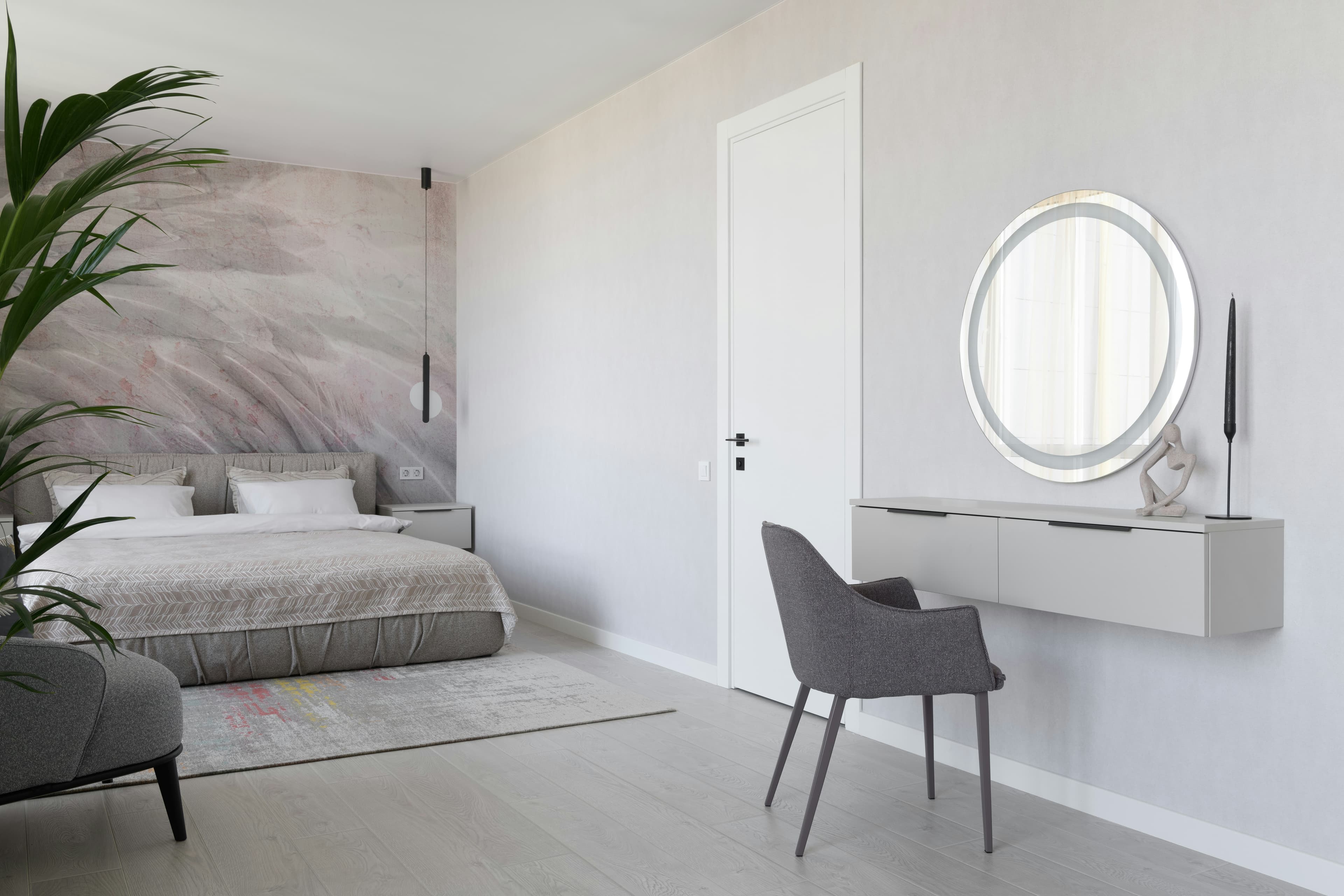
247 Willowmere Lane, Austin, TX 78704
Paste a public listing URL — we import photos and property details
New build unlocked — take the tour ✨
#realestate #justlisted #dreamhome
Ready-to-post reel and listing content
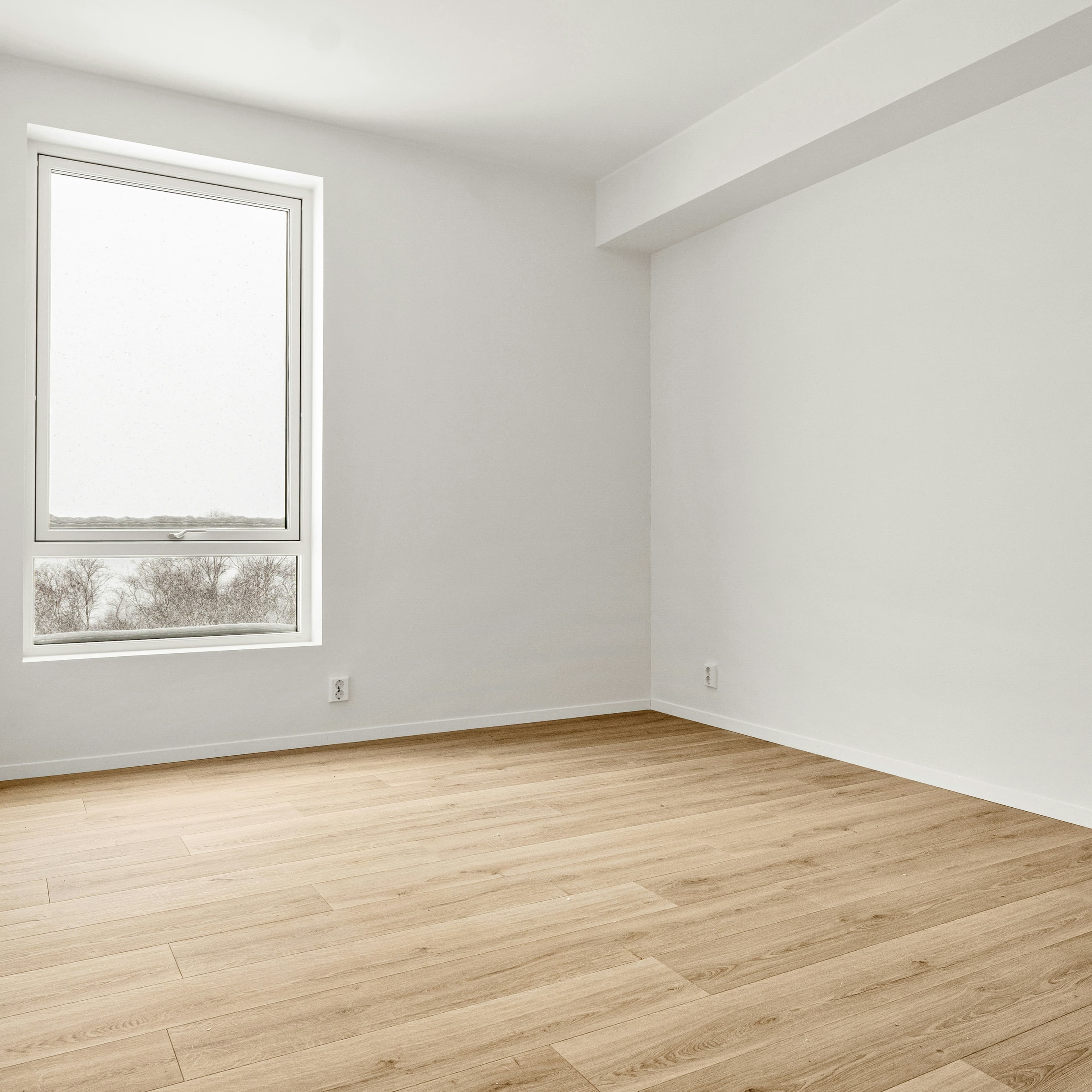
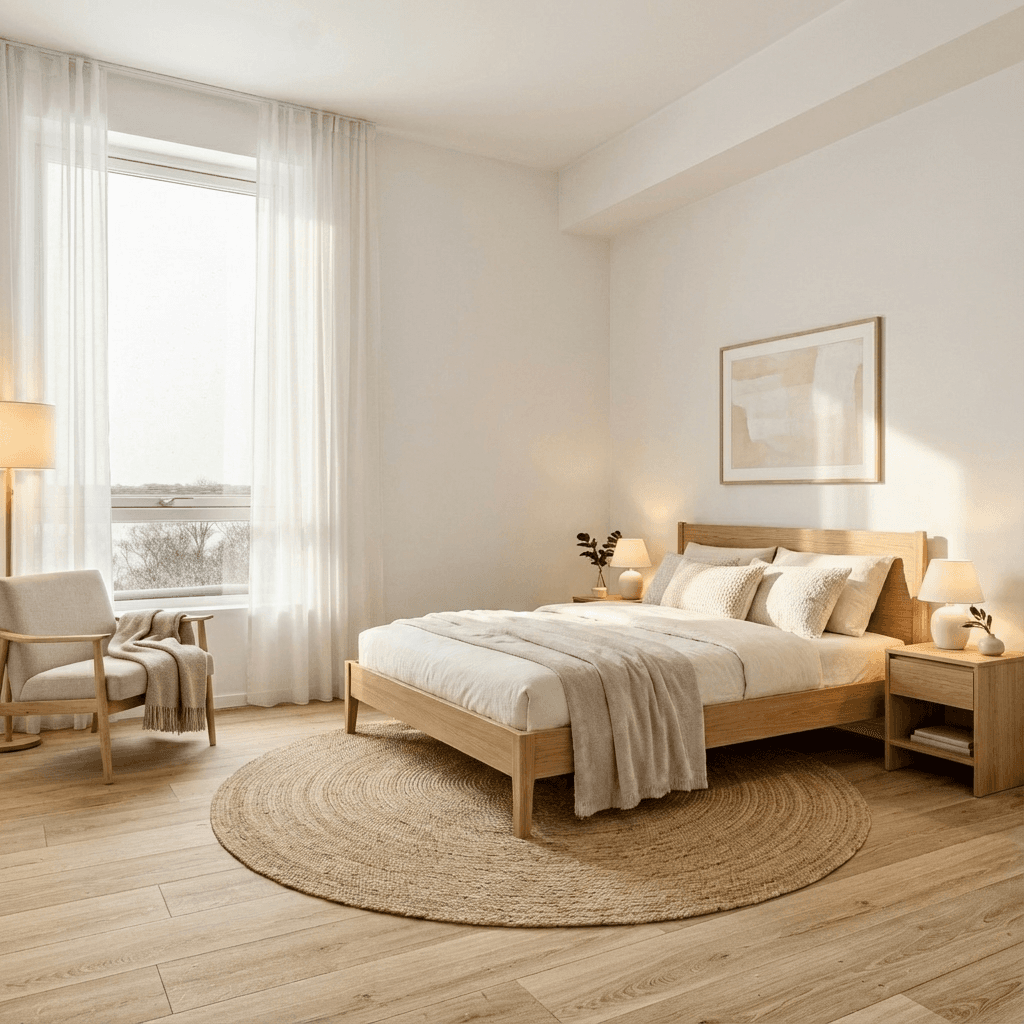
Empty room? Make it listing-ready in minutes.
Turn empty or poorly presented rooms into polished listing visuals without waiting on a separate staging or editing queue. Choose a style, create the staged image, then turn it into a reel or social clip.
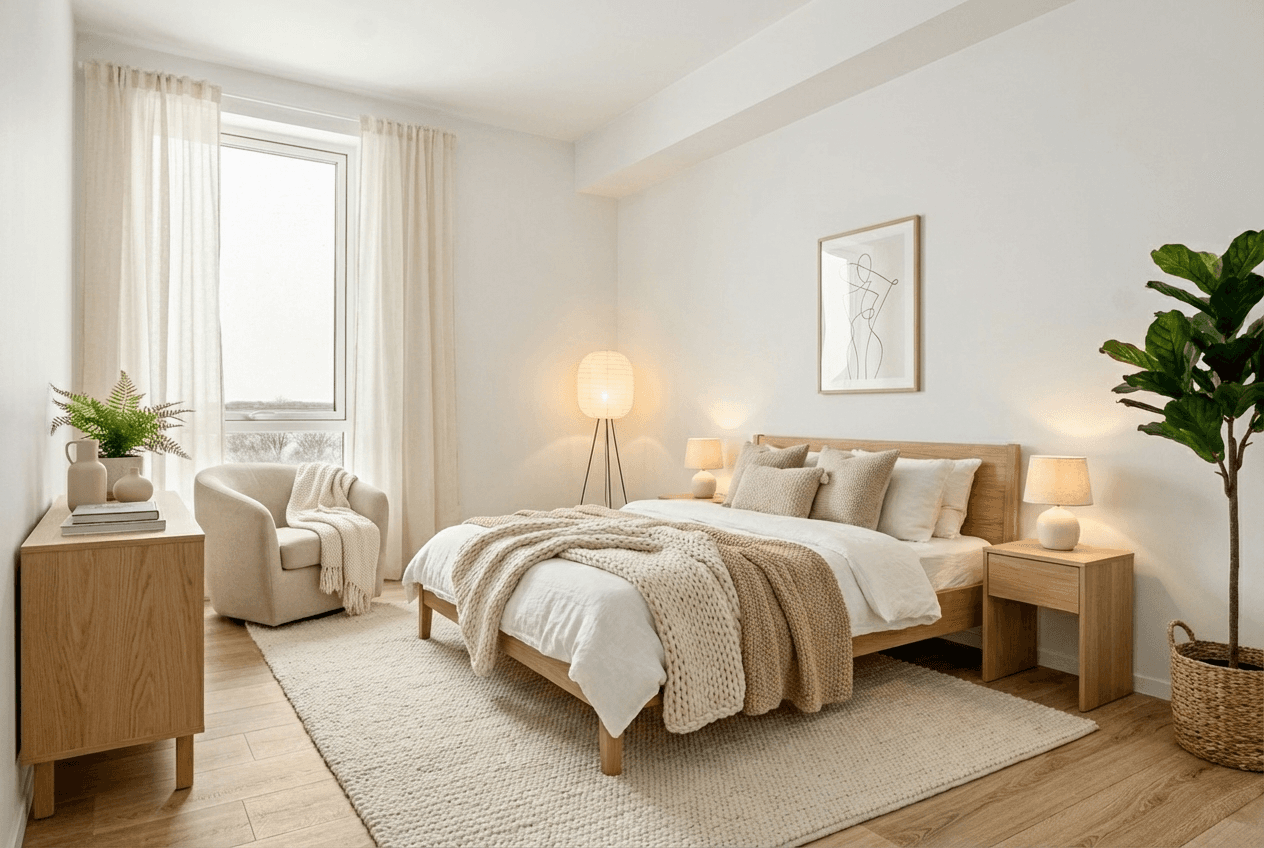
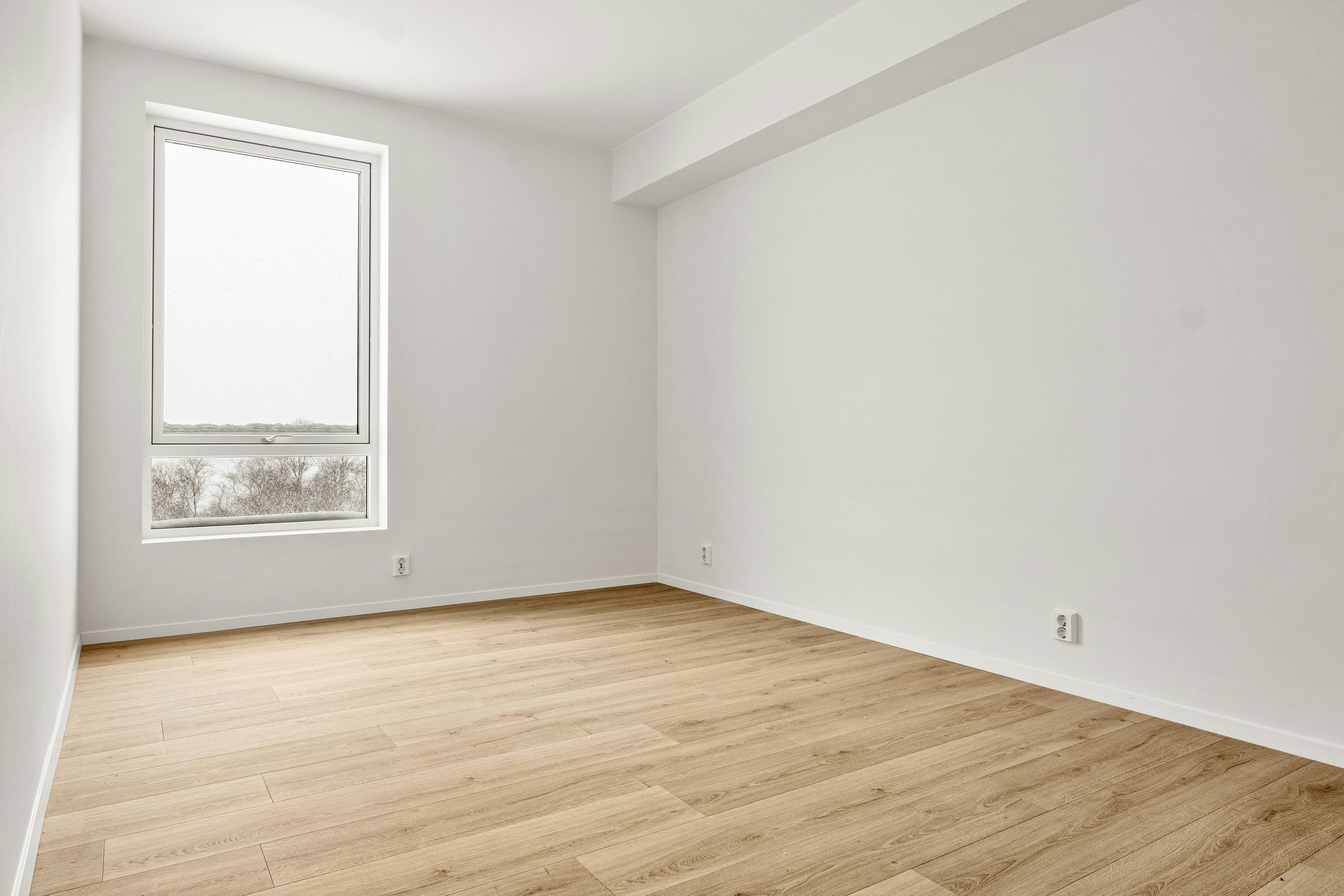
Drag to compare before & after staging
Ready for social media reels and stories
Show the potential before the work is done.
Create compelling visuals for listings, seller presentations and social — without another shoot.
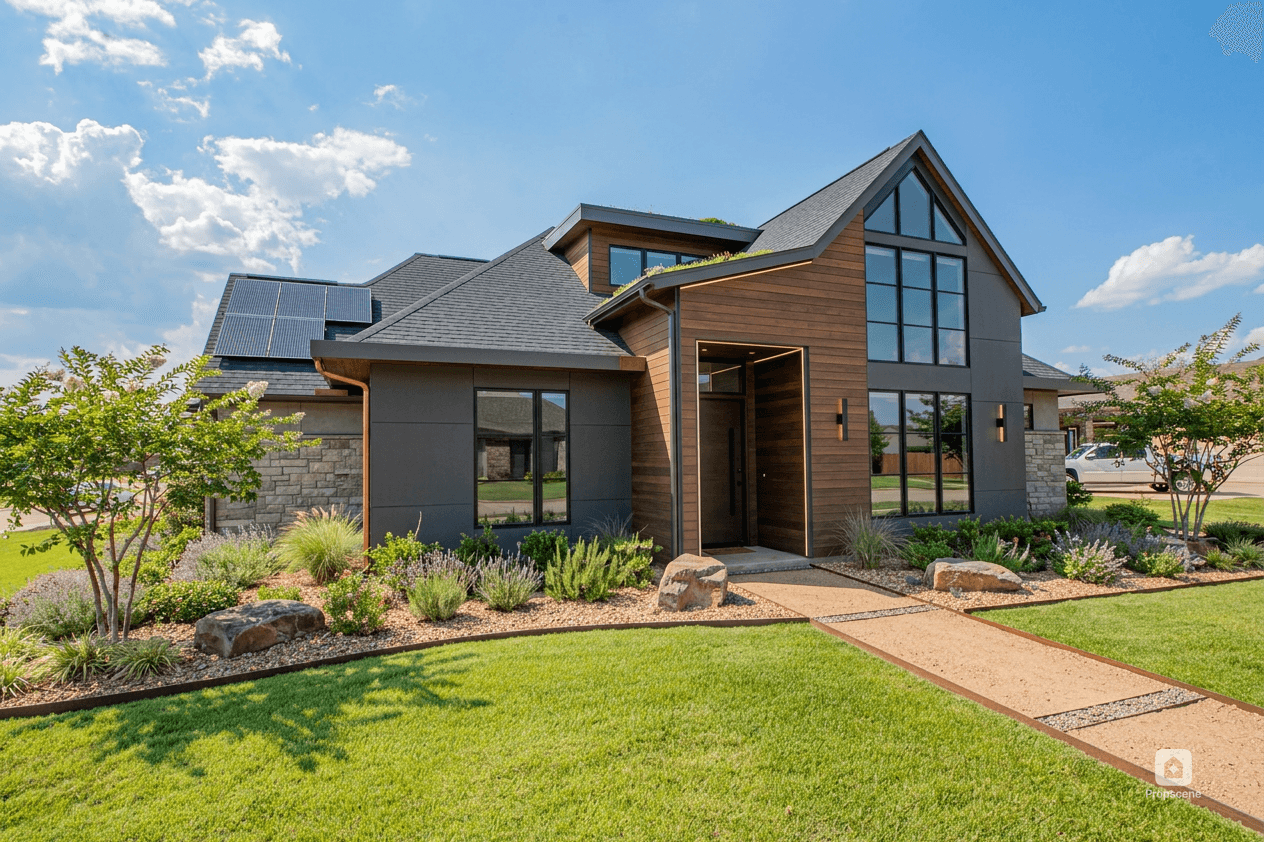
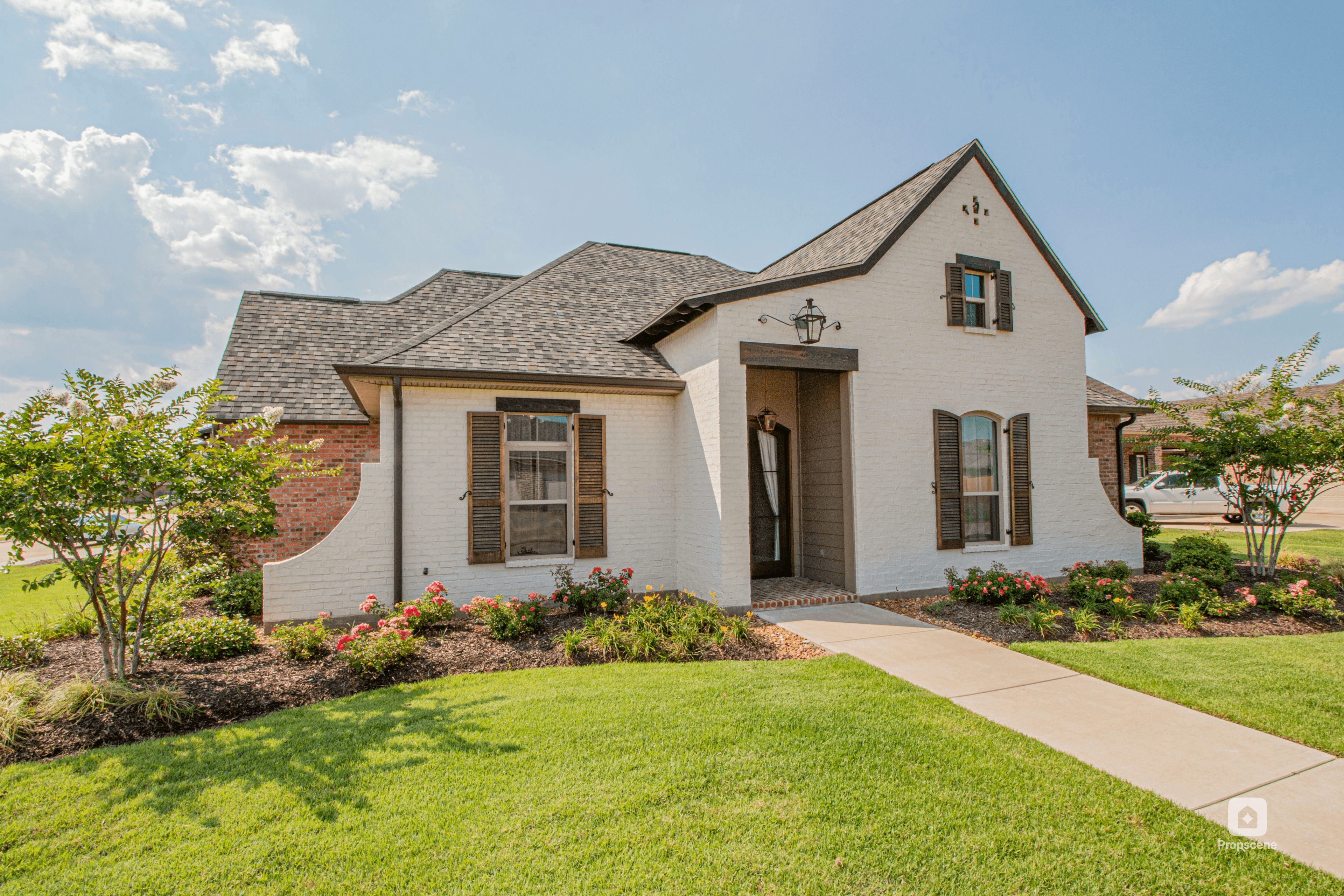
Drag to compare before & after exterior redesign
Turn a floor plan into something buyers can picture.
Transform a flat 2D plan into 3D views, room visuals and walkthrough clips for off-plan, rental and renovation marketing.
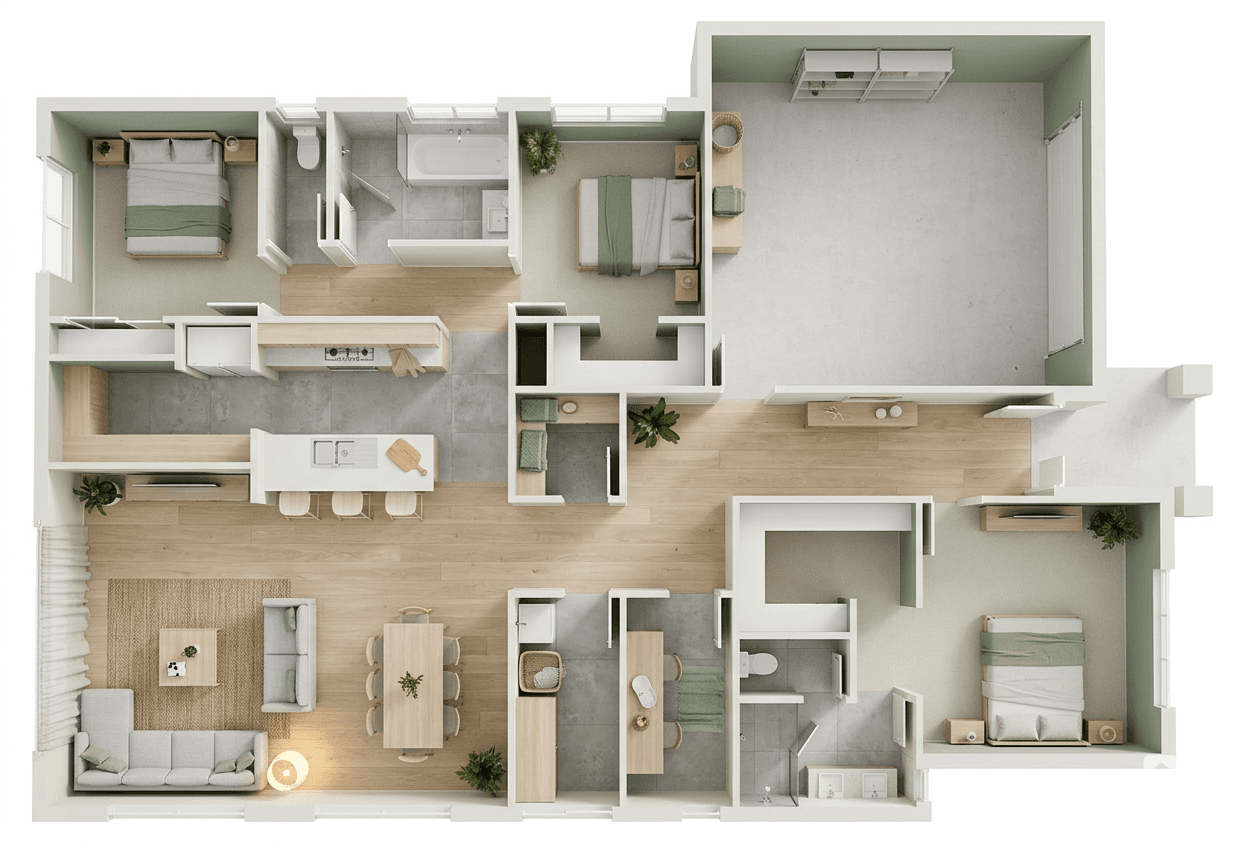
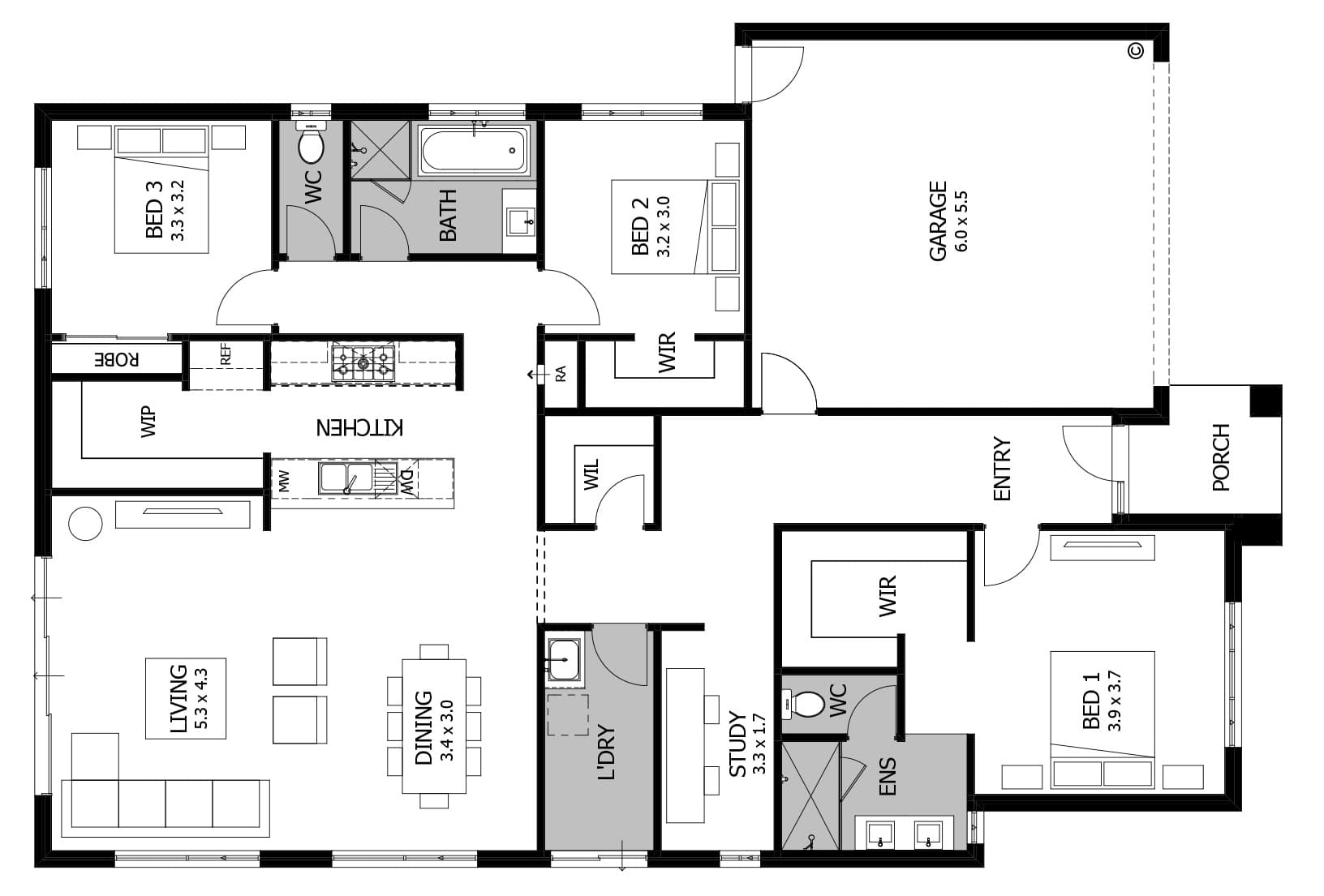
Drag to compare the plan and the 3D render
Who it's for
Built for people who market listings every day.
When listings keep coming, content has to keep up. Propscene turns the photos and listings you already have into marketing assets ready to publish.
For listing agents
Turn each client listing into reels, captions and social-ready visuals without adding another editor or booking another shoot. One listing in. Client content out.
For social-first agents
Turn each new listing into a week of reels, social visuals and ready-to-post captions without rebuilding the campaign in an editing app.
For new-construction & off-plan agents
Turn a 2D floor plan into 3D views, room visuals and walkthrough clips buyers can picture for off-plan, rental and renovation marketing.
For brokerage marketing teams
Turn every new listing into consistent, on-brand marketing content across your team: reels, staged visuals, social assets and listing copy from one workflow.
For real estate social media managers
Turn each new listing into a batch of reels, Story clips and ready-to-schedule captions without waiting on another shoot or chasing another editing queue.
For real estate photographers
Add virtual staging and social reels to the shoots you're already delivering. Offer a bigger listing package without returning to the property or adding hours of editing.
Features
From listing to publish-ready assets.
The repetitive work behind property marketing, handled from one listing or set of photos.
Turn a listing into a reel
Paste a public listing URL. Propscene imports the photos and property details and creates a walkthrough reel ready for Instagram, TikTok or YouTube.
Stage when the property needs it
Turn empty rooms into polished, intentionally styled interiors without prompts, manual editing or waiting on a stager.
Create content for every channel
Turn existing property photos into vertical, square and widescreen video assets without rebuilding them in an editing app.
Listing copy included
Generate captions and listing content alongside the visuals, so the asset doesn't stop at the download.
Clean up imperfect listing photos
Remove furniture, clutter and distractions before staging or creating your marketing assets.
What people are saying
Built for the way you already work.
Fast results. Professional quality. Effortless.
“Vacant listings used to sit for weeks with no engagement. Now I upload one photo, get staged shots and a walkthrough reel, and post the same day. Three of my last five listings got offers within the first weekend.”
“I run Instagram for four agents. Every listing that used to need a videographer now gets a walkthrough reel from me in ten minutes — same day, same brand feel, no shoots to book, no revisions to chase.”
“My sellers always ask ‘can you stage it?’ and the answer used to be ‘that’s $2,000 and a two-week wait.’ Now I show them three style options on my phone during the listing appointment. It closes the conversation every time.”
“I’m a one-person team, I do my own photos, my own social, my own open houses. Propscene cut my listing prep from a full day to about 20 minutes. Staged photos, a reel for Instagram, done. I don’t know how I worked without it.”
“I photograph 8–10 properties a week. I started offering a ‘listing kit’ staged photos plus a social reel as an add-on through Propscene. Every agent takes it. It’s an extra $150 per shoot and takes me five minutes.”
“We manage 30+ listings at a time. Before Propscene, staging was a bottleneck, coordinating with stagers, scheduling, waiting days. Now any agent on the team can stage a property themselves in minutes. It completely unblocked our pipeline.”
Pricing
Start with a real listing.
Try Propscene free with 10 credits. No credit card required.
Free
Try it on your first listing
- 10 trial credits included
- Try it on your first listing
- Create reels, visuals and listing copy while credits last
- Downloads include a Propscene watermark
- Upgrade when trial credits run out
Pro
For ongoing listing marketing
- 30 credits every month
- Reels, staged interiors, redesigned exteriors, and 3D floor plans
- Watermark-free downloads
- Photo cleanup and furniture removal
- Priority processing
- Buy top-up credits that never expire
- Cancel anytime
FAQ
Common questions
Yes. Propscene uses the source image as the reference for the visible layout, walls, windows, floors, and permanent features. Staging and redesign should add a clearly defined visual concept, not invent a different property.
8 curated styles: Scandinavian, Modern, Mid-Century, Industrial, Farmhouse, Coastal, Urban, and Country. Each comes with color mood and furniture density options.
Paste a public listing URL or upload property photos to create walkthrough reels, social-ready visuals and listing copy. You can add staged interiors, exterior redesigns, photo cleanup and 3D floor-plan visuals when the property needs them.
Yes. Paste a public listing URL or upload property photos. Propscene imports the photos and property details, helps plan a short walkthrough, generates clips, and creates caption and listing copy.
Yes. Pro includes photo cleanup to remove furniture, clutter, and distractions before staging—so you can work with real, imperfect photos.
Yes. Use Exterior redesign for facades, paint, landscaping, and outdoor spaces. Use Floor plan to 3D to turn flat plans into listing visuals buyers can understand.
Living room, bedroom, kitchen, bathroom, home office, dining room, kids room, and outdoor spaces.
The workflow is designed for same-day listing marketing. Generation time depends on the asset and provider, but the app keeps the work in one flow instead of sending you between a stager, editor and copy tool.
Propscene watermark on the free plan. No watermark on Pro. All outputs are yours to download and use commercially.
Most generated images use 1 credit. Video clips use credits based on duration, and a full walkthrough reel is a flat 10 credits regardless of clip count. The app shows the cost before you generate.
Images export as high-res JPG or PNG. Videos export as MP4 in your chosen aspect ratio and resolution.
Use approved downloads for social posts, listing pages, email, ads, seller presentations and other campaign materials. For MLS or marketplace use, follow the disclosure and advertising requirements of your local board, brokerage and jurisdiction.