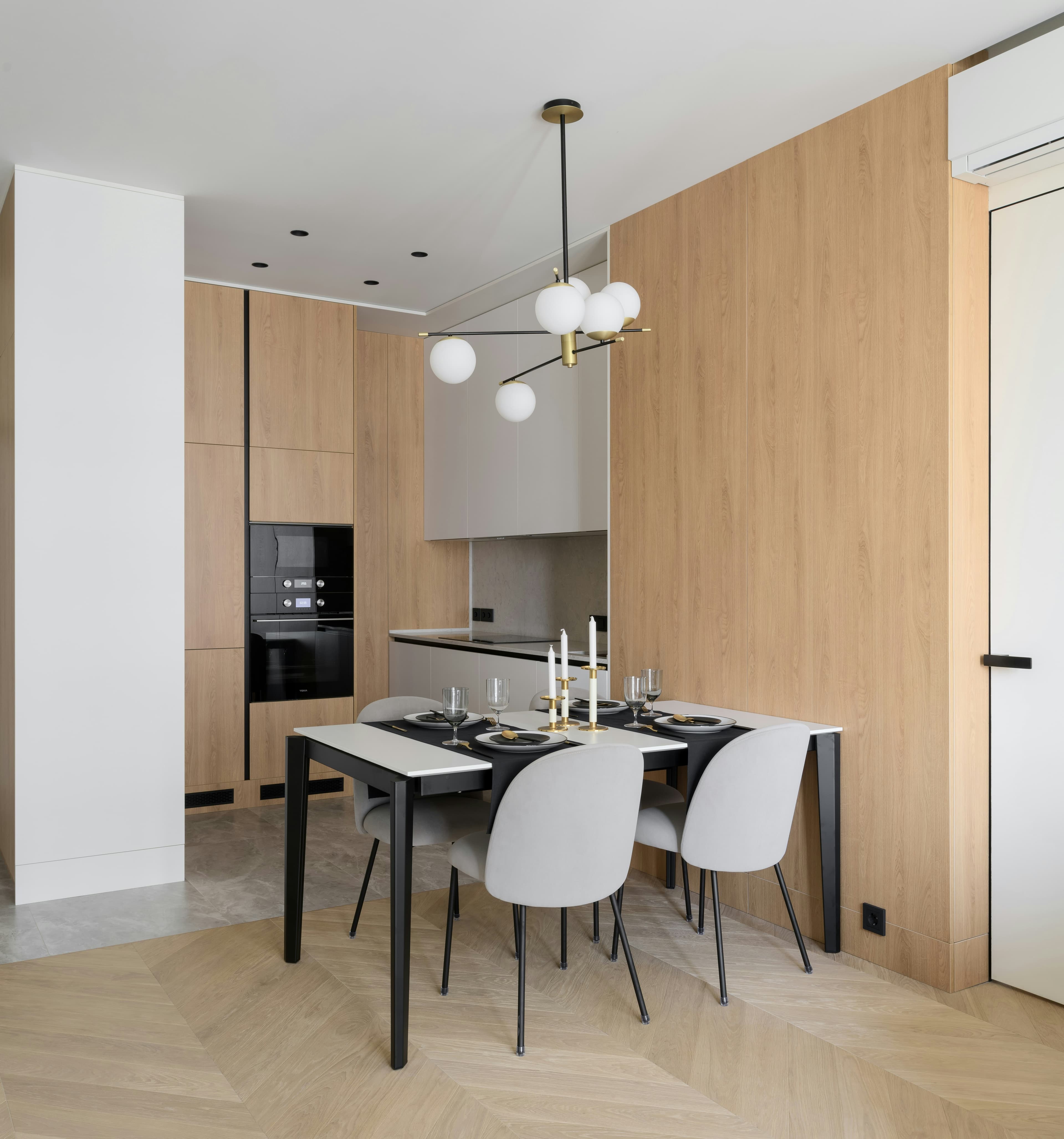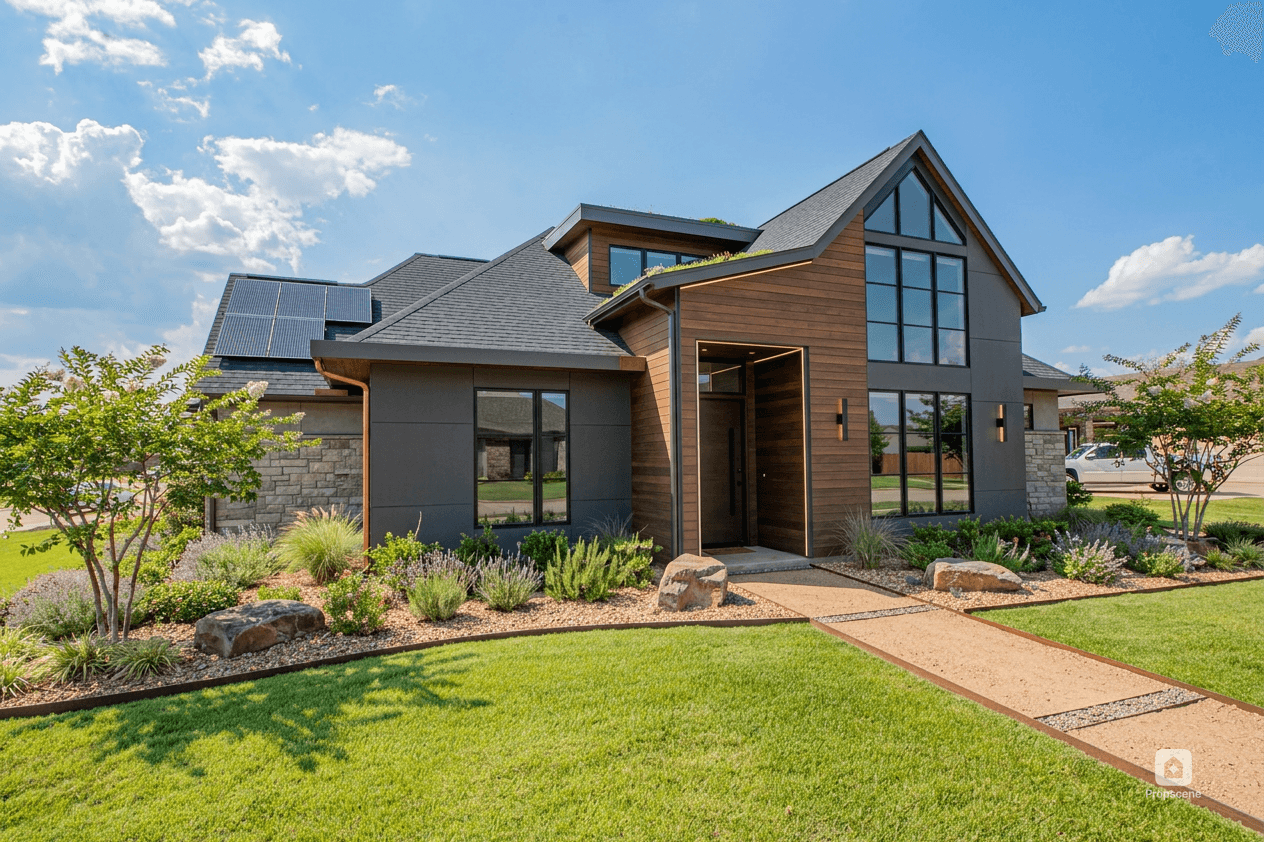
The most efficient listing-content workflow starts with one approved source of truth, then turns the same property story into several formats. The listing URL supplies the facts and images; the marketing team decides the audience, sequence, and call to action. That separation keeps production fast without letting a caption, reel, or AI-generated visual invent details.
What should go into the workflow?
Before anyone writes a caption, create a small campaign brief from the live listing. Record the current status, price, bed and bath count, approved square footage, showing details, photo permissions, agent and brokerage information, and the two or three features the listing can genuinely prove. If the price or status changes, update this brief first. It becomes the factual spine for every asset that follows.
Keep a folder with the original photos, approved edits, floor plan, brand files, and a plain-text fact sheet. The original image set should remain available even when a staged or redesigned visual is used for a marketing concept.

What can one listing become?
You do not need seven unrelated ideas. Build one narrative and adapt it:
| Asset | Purpose | What to carry forward |
|---|---|---|
| Opening reel | Earn attention | One visual hook and one next step |
| Photo carousel | Let buyers inspect | Hero, layout, detail, practical information |
| Open-house post | Create a time-bound reason to act | Date, time, location, accurate property facts |
| Reach an existing audience | Short summary, hero image, tour link | |
| Story sequence | Keep the listing visible | One feature per frame and a reminder sticker |
| Floor-plan explainer | Clarify flow and scale | Room names and dimensions exactly as approved |
| Follow-up clip | Extend the campaign | A single feature: office, garden, kitchen, or view |
What order should the work happen in?
- Brief: write the one-sentence buyer promise, such as “a two-bedroom flat with a real dining space and a flexible office.”
- Curate: select the images that prove that promise. Do not force every room into the first reel.
- Generate or edit: create the reel, staged concept, exterior option, or 3D floor-plan visual from the approved source.
- Review: check facts, room boundaries, permanent features, disclosures, brand treatment, and mobile readability.
- Adapt: change the hook and caption for each channel while keeping the factual core identical.
- Schedule: release the assets across the first week instead of publishing everything in one burst.
This order matters. If you create the reel before deciding what the listing is about, you usually end up with an attractive montage that does not answer a buyer's question.
Where should human review happen?
Human review belongs immediately before publishing, not after a complaint. An agent or property-savvy coordinator should confirm that the image still represents the property, that the copy does not overclaim, and that the call to action is current. For virtually staged, redesigned, or materially altered visuals, retain the original and use the disclosure language required by the relevant MLS, brokerage, state, or country. A useful internal rule is simple: if a buyer could reasonably mistake a visual suggestion for an existing feature, label it clearly.
How should an agency hand this off?
Give the creative person a structured brief rather than a message that says “make this listing social.” The handoff should include the listing URL, source-of-truth document, asset permissions, audience, desired formats, brand kit, deadline, and reviewer. When the first approved reel is complete, duplicate the structure for the carousel and email. The team should make new decisions only where the channel genuinely requires one.
Listing campaign checklist
- Live listing facts and status checked on the day of publishing.
- Original photos and altered versions stored separately.
- One buyer-facing story selected before editing begins.
- Reel, carousel, open-house, email, and follow-up assets mapped.
- AI, virtual staging, and redesign disclosures reviewed.
- Every asset has one clear next step.
What should you build first?
Start with the asset most likely to be reused: usually a short listing reel and a clean carousel. Propscene's listing-link-to-reel workflow can create the motion-led starting point from a listing URL or uploaded photos. Then use the one-listing asset plan to decide what deserves a second post.