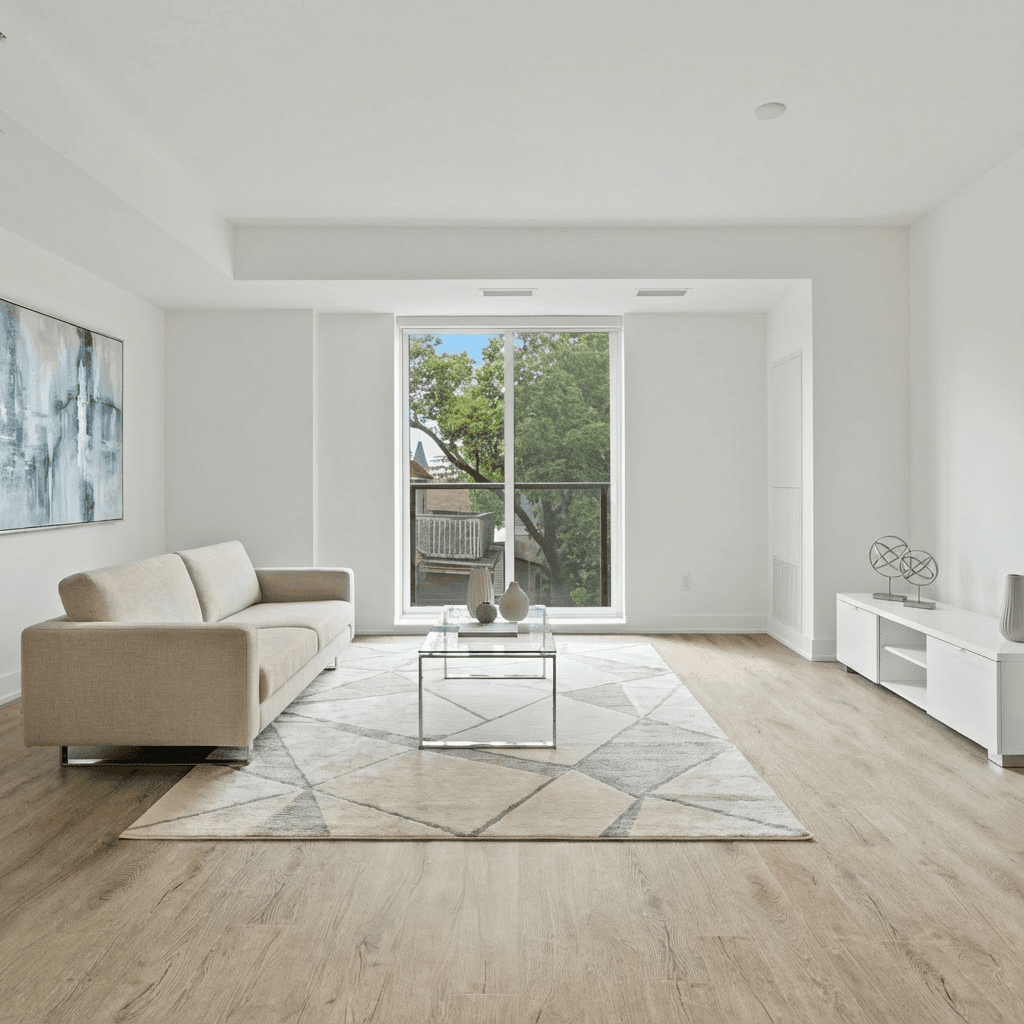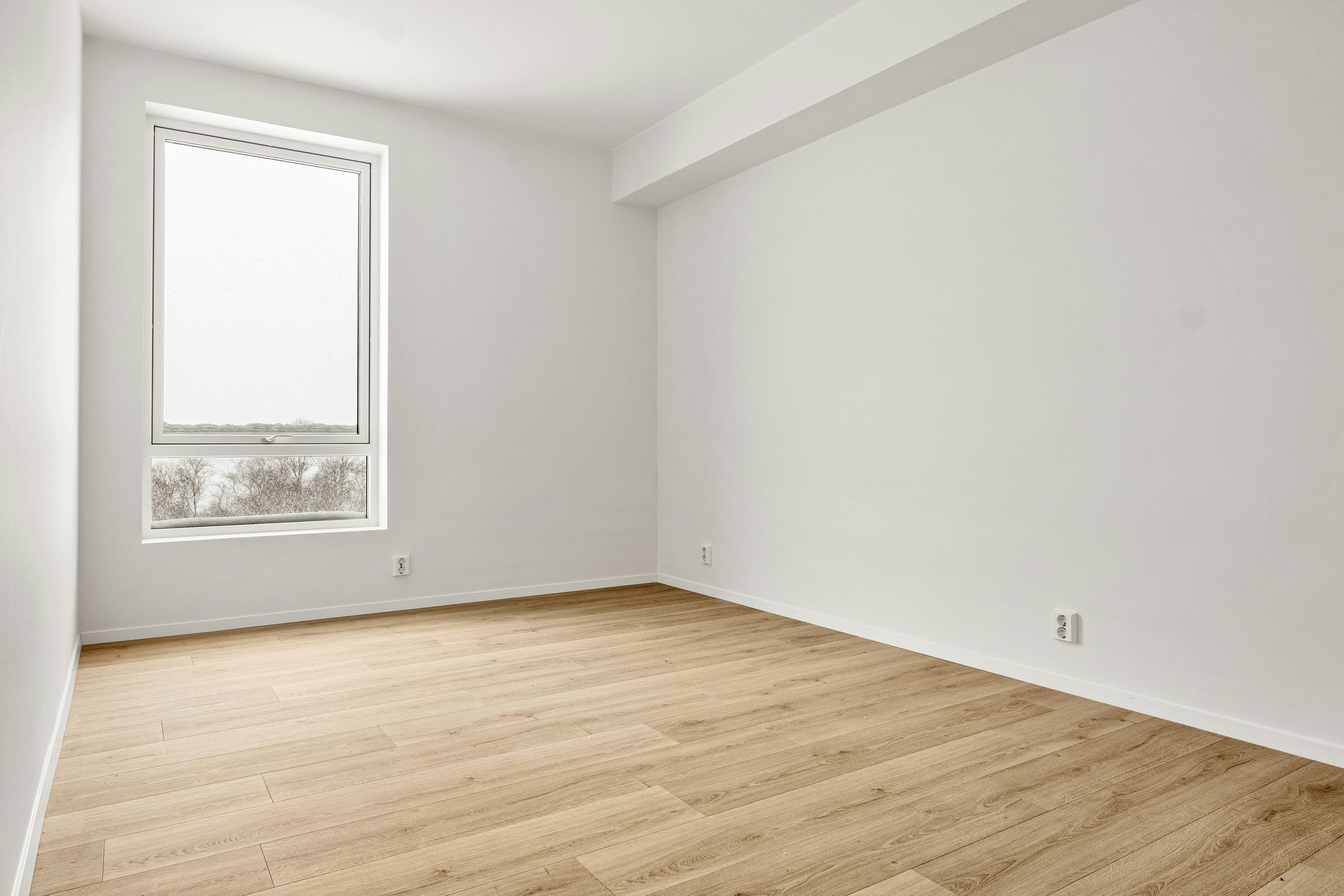
Virtual staging can help a buyer understand scale and possibility. It should never make a property seem like something it is not. The safest approach is simple: preserve the original image, label the altered one clearly, and check the rules that apply to your MLS, brokerage, state, portal, and campaign.
First, a necessary note
This is an educational workflow, not legal advice. Disclosure requirements vary by jurisdiction, MLS, brokerage, advertising medium, and the nature of the edit. Rules are changing quickly, so confirm the requirements that apply to the specific listing before publishing.
What virtual staging is—and what it is not
Virtual staging adds or replaces movable décor and furniture in an image to help a viewer understand how a real room might be used. It is different from changing the permanent property itself. A marketing image should not conceal a material defect or imply that a wall, floor, window, view, appliance, landscaping feature, or structural element exists when it does not.


Why disclosure matters
Disclosure is not a small-print obstacle. It prevents a buyer from arriving at a showing with the wrong expectation. In California, AB 723 requires a reasonably conspicuous disclosure for digitally altered real-estate advertising images and, on a website under the advertiser's control, an unaltered version or link to it. The California Senate's bill analysis explains that the law covers edits that add, remove, or change property elements, including furniture and appliances.
Local rules can be more detailed. For example, CRMLS describes a workflow that pairs an altered image with the original and identifies it as virtually staged or digitally altered. Canopy MLS requires a clear, readily visible disclosure for AI-enhanced and virtually staged photos or tours and sets rules around the original image. Read the current CRMLS guidance, Canopy MLS policy, and the California AB 723 analysis only as examples—not as a substitute for checking your own rules.
A practical, buyer-first workflow
- Archive the original. Save the unedited image with a clear name and retain its source.
- Limit the edit. Use furniture and décor to show use and scale; do not alter permanent features or hide relevant condition issues.
- Label the output. Use the exact language and placement your MLS, brokerage, or portal requires. "Virtually staged" is often understood, but do not assume that label alone satisfies every rule.
- Pair or link the original. Where required—and often as a trust-building practice—place the original beside, before, after, or directly accessible from the staged visual.
- Review every destination. MLS, agent site, email, print, Instagram, and a video tour may have different fields or display constraints.
- Get approval. Have the listing agent or compliance contact review the final set before it goes live.
What about video and reels?
A moving image does not remove the need for transparency. If a reel includes a virtually staged frame or AI-altered clip, treat that as an altered visual and make the disclosure legible for the relevant platform and local rule. A caption alone may not be enough in some markets. Keep the original asset available and avoid editing a video in a way that suggests an altered feature is physically present.
Plain-language disclosure examples
These examples are starting points, not universal legal language. Use the wording and placement required by your local authority.
- "Virtually staged. Furniture shown is for visualisation only; room dimensions and permanent features are unchanged."
- "Digitally altered image. View the original image in the next slide."
- "AI-enhanced visualisation of furniture placement; not a representation of included furnishings."
Pre-publish checklist
- Original image saved and available.
- Virtual additions limited to appropriate, non-permanent items.
- No concealed defects or changed structural/property features.
- Disclosure wording, placement, and photo sequencing checked for every channel.
- Photo rights and brokerage approval confirmed.
Good virtual staging makes the real room easier to understand; it does not replace it. For a photo-to-video process that keeps the story grounded, read how to create a virtual staging video without creating a fake property. You can also see how AI virtual staging fits into a broader listing-visual workflow.