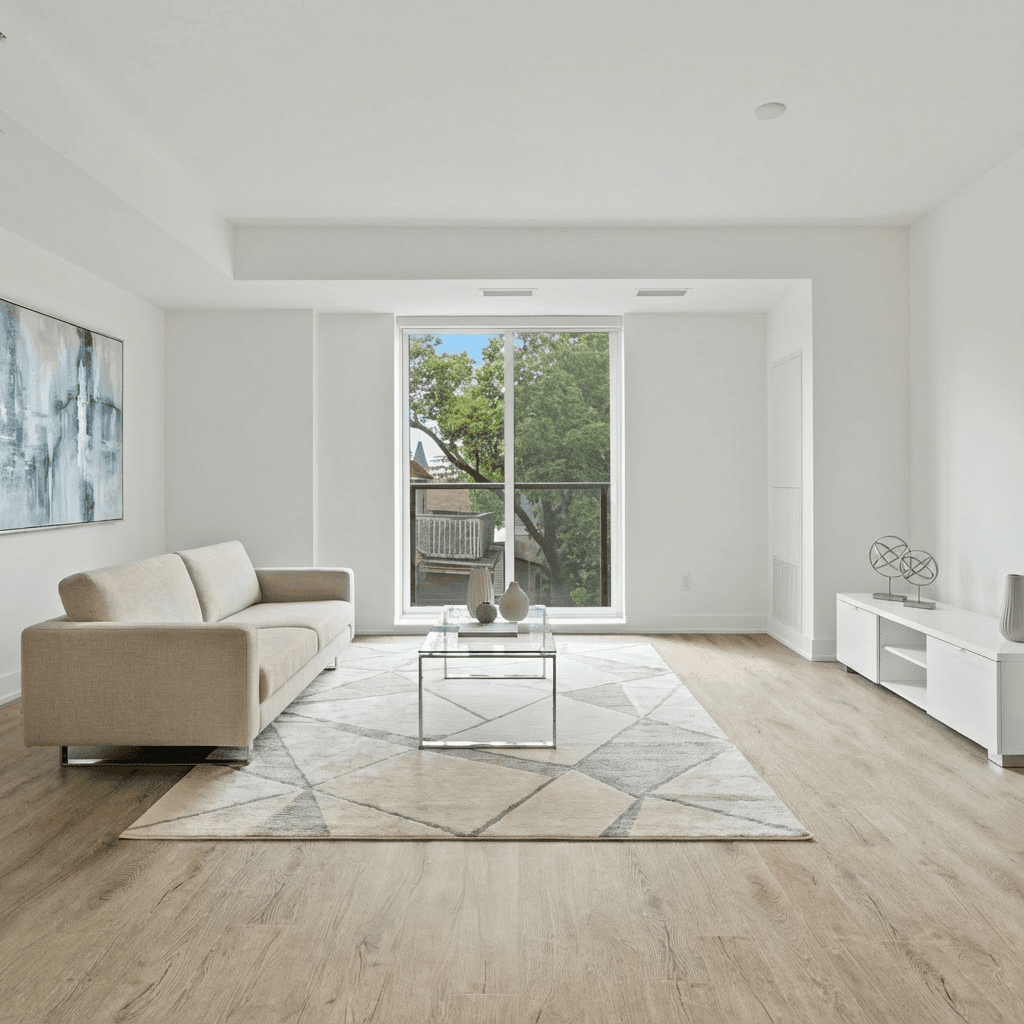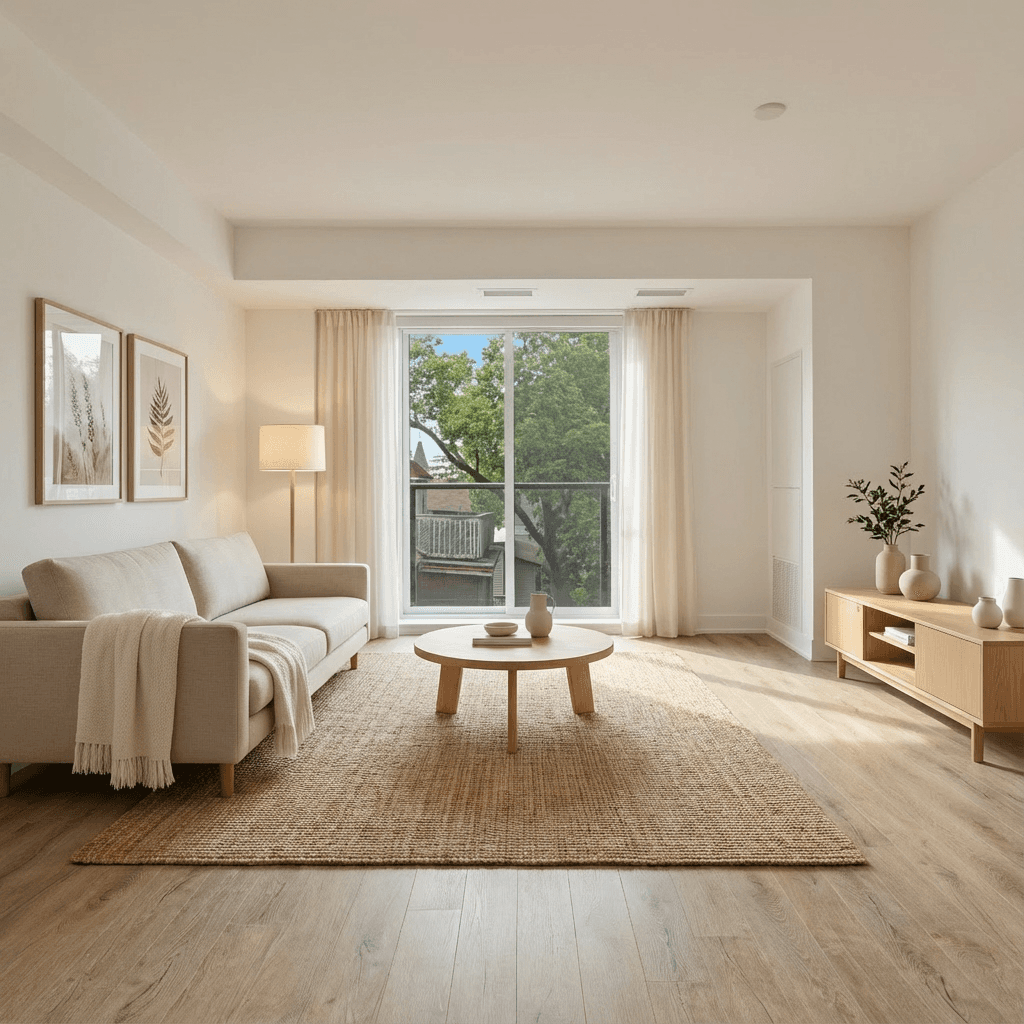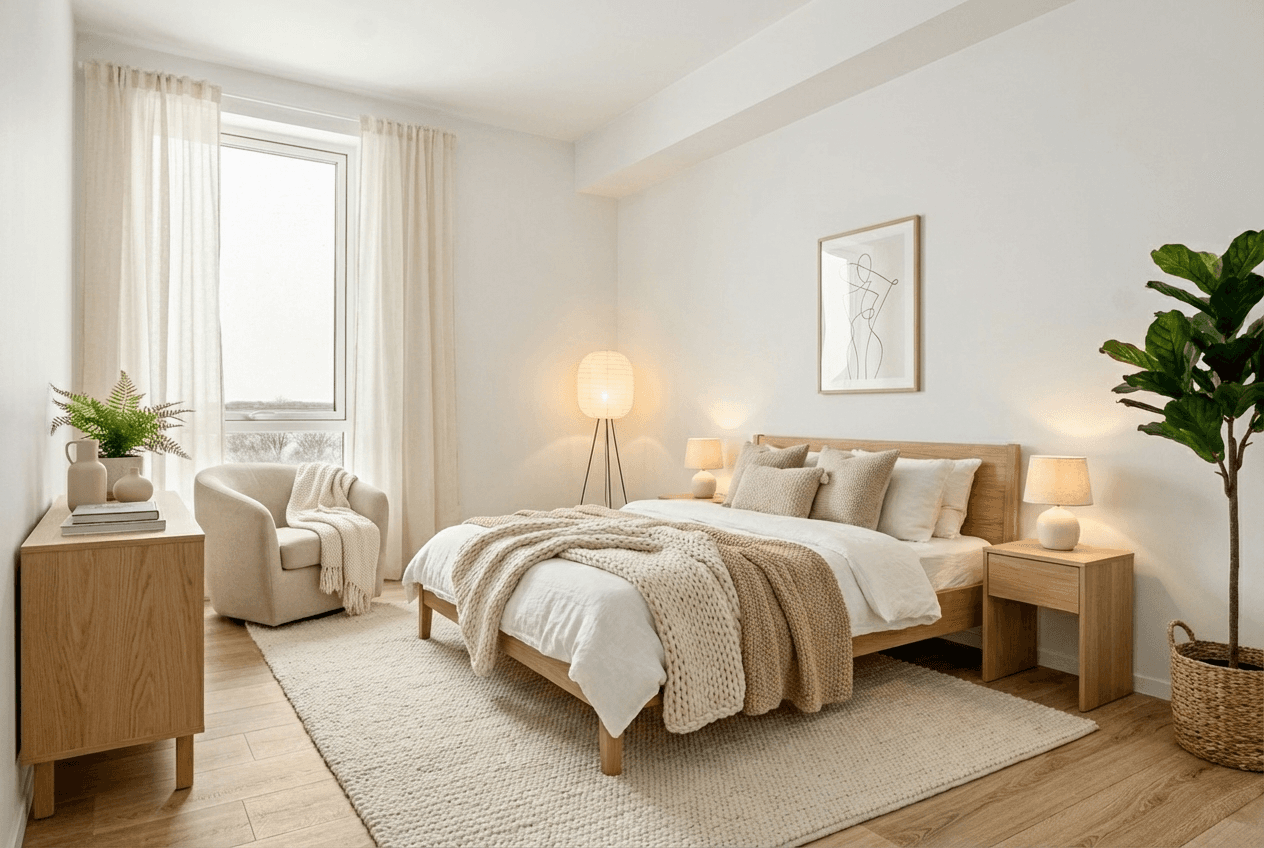
Virtual staging adds digital furniture and décor to a real property photo so buyers can understand how an empty or sparsely furnished room could function. It is a marketing visualisation—not a renovation, a substitute for the original image, or a licence to change the property.
What virtual staging does
At its best, virtual staging makes a real room easier to read. It can show a sensible sofa layout in a vacant living room, demonstrate a dining zone, or help a buyer see how a flexible space might work as an office or guest room. The source image remains the foundation; the added furniture provides context and scale.
What it should not do
- Change the room's architecture, dimensions, permanent fixtures, view, or condition.
- Hide defects or remove elements a buyer needs to evaluate.
- Imply that furnishings are included with the property.
- Replace the original photo where rules or buyer trust call for both.
How the process works
- Start with a strong original: use a well-lit, wide photo that shows the room and fixed features clearly.
- Choose the room purpose: identify whether it is a living room, bedroom, dining area, office, or another real use.
- Choose a fitting visual direction: select a style, colour direction, and furniture density that suits the architecture and keeps circulation clear.
- Review the output: check perspective, furniture scale, windows, doors, lighting, and permanent details before using it.
- Publish transparently: retain the original and follow the disclosure requirements for the destination.
Where it fits in a listing campaign
Virtual staging is one step in a useful content workflow. Once an image has been reviewed, it can support a listing gallery, seller presentation, carousel, email, or photo-led reel. It should be planned alongside the original image, floor plan, showings, and factual listing details—not dropped into the campaign at the last minute.
Which rooms should be staged?
Prioritise the rooms where furniture adds clarity: the main living space, primary bedroom, dining area, a meaningful flex room, or an outdoor zone. A property does not need every image staged. In many cases, a mix of original and carefully staged images is more useful than an all-altered gallery.
Transparency and compliance
Rules vary by market and medium. Keep a clean original, use a clear label for the altered image, and confirm the requirements of the relevant MLS, brokerage, state, portal, and social channel. Our virtual staging disclosure guide walks through a practical review process.
Where Propscene fits
Propscene helps agents and marketing teams move from a listing or room photo to a controlled marketing asset: create a reel or listing copy first, then choose room type, design style, colour direction, and furniture density when staging is useful. The approved image can then be refined or extended into a walkthrough reel. The same human review and disclosure process should apply to every output.